Skip to content
Home
Blog
Let’s connect!
Home
Blog
Let’s connect!
Quick Onboarding
A minimal start that already works
You don’t need to redesign your system.
You only need one structure to place things without friction.
In 10 min you get:
• The core concept of AFIM
• Imediate relief
• A structure to explore in real life scenarios the next weeks
– 1 –
Create the domains
Create one place in your notebooks or folders. Name it after your project or topic.
Inside it, create six domains:
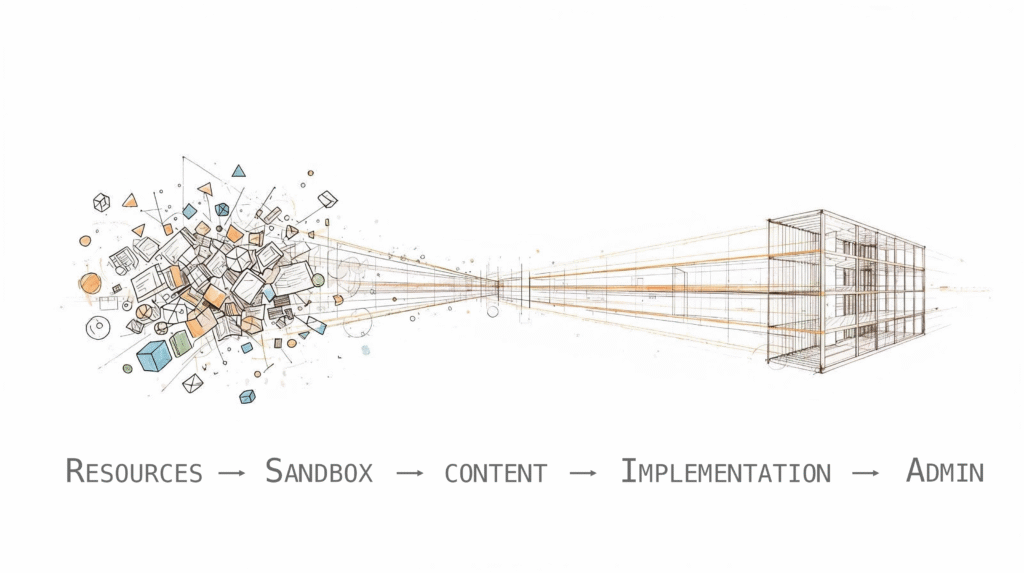
Resources
— capture
Sandbox
— think
Content
— create
Implementation
— act
Admin
— control
Archive
— remember
That’s it.
If you need to see progress use the six domains in your Kanban as columns.
That lets you see the state of your work.
– 2 –
Place one real thing
Pick one piece of work you are already dealing with.
Then ask yourself one question:
What is the status of the piece of work?
• raw or messy – Resources
• conceptual – Sandbox
• ready to use – Content
• already applying – Implementation
• controlling – Admin
Place it there.
You just used AFIM.
– 3 –
Keep working normally
Create one place in your system (folder, notebook, task-manager). Name it after your project or area.
Don't reorganize
Don't migrate old content too early
Don't try to set it up properly
AFIM grows with your work!
– 4 –
What comes next
At some point you will inevitably hit new questions
• How do I connect things?
• What's the state of my work?
• What are my options to structure the next layer?
• How does my content evolve?
You don't need them right now.
But AFIM has answers for that.
Important to Remember
AFIM is a scaffold – not a dogma!
• Adapt it to your needs
• Use only if and what helps
• Start simple – refine later
Depth is available if you need it!
Keep in mind
: AFIM is for people how seek a sophisticated structure and not for people that look for 10 top hacks to boost your productivity
Continue with Full guide
The guide will be available soon!
Let's connect
Get in touch if you have any question!
Buy me a coffee
English
Deutsch