Skip to content
Home
Blog
Let’s connect!
Home
Blog
Let’s connect!
Orgnize your digital work around your thinking
Align your notes, tasks, and files with one clear structure — based on how our minds turns information into action
Not another tool. A shared logic across everything you use.
Get Started!
Why I created aFIM
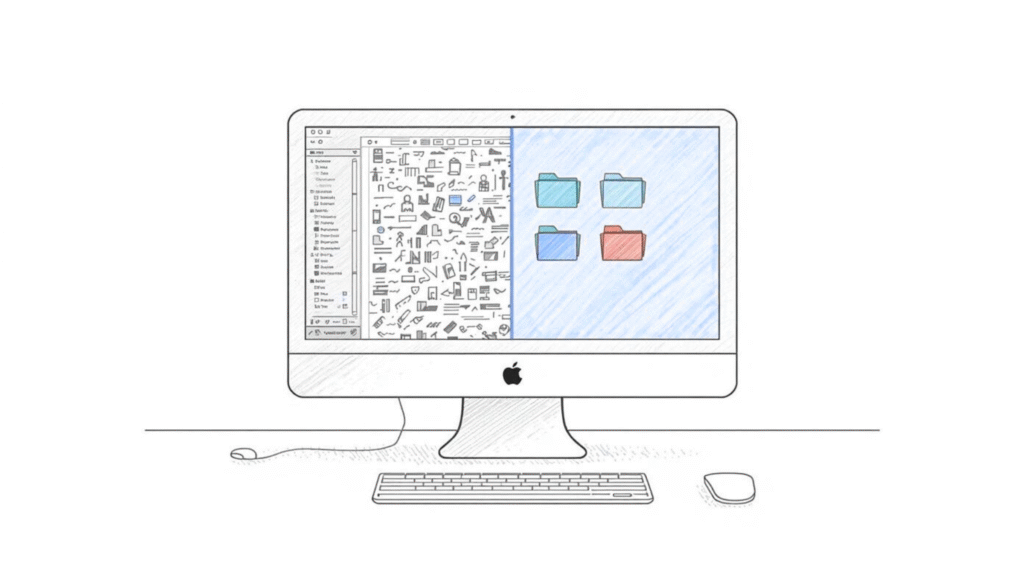
Most knowledge management systems are structured around projects – not our minds
This leads to
• Constantly Rebuilding your system
• Context gets lost between notes, tasks and files
• We manage systems more than our work
• We don't know where to put or find information and neither the state of your work
Projects and folders are static – our thinking is not
Clarity builds on understanding and purpose.
•
AFIM provides knowledge to create a system that focuses on
♕ simplicity
•
♖ control
•
♔ Structure
•
♘ resilience
•
What AFIM does
Before
Each tool speaks it's own language
You don't know how to handle new information
The state of your work is often unclear
You manage your tools.
After
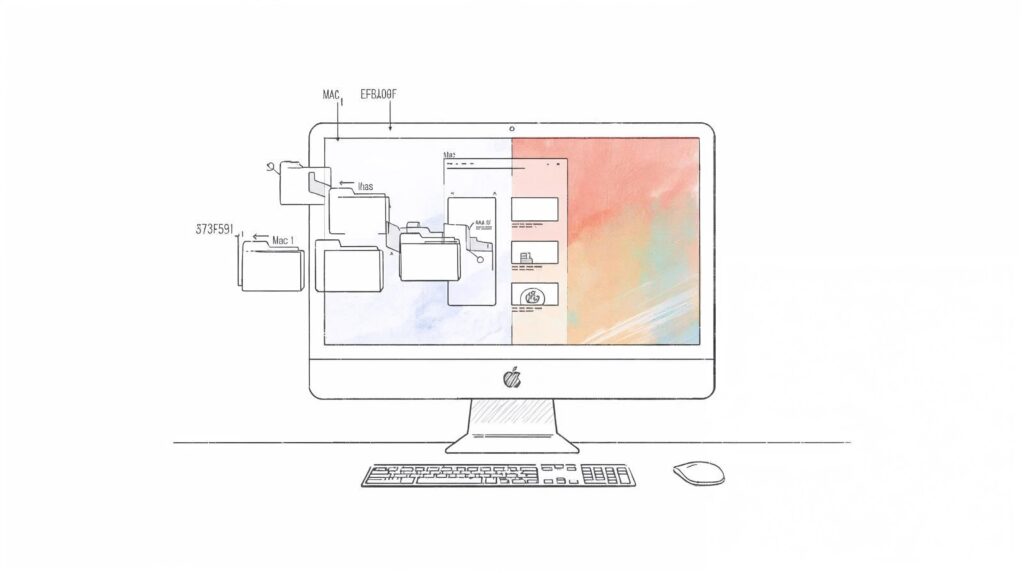
Your tools align and communicate
You stop thinking where to put things – and just place them
The state of your work is inherently part of your structure
You manage your work
AFIM is tool-agnostic.
•
It doesn’t add another tool — it removes friction between the ones you already use.
How AFIM works
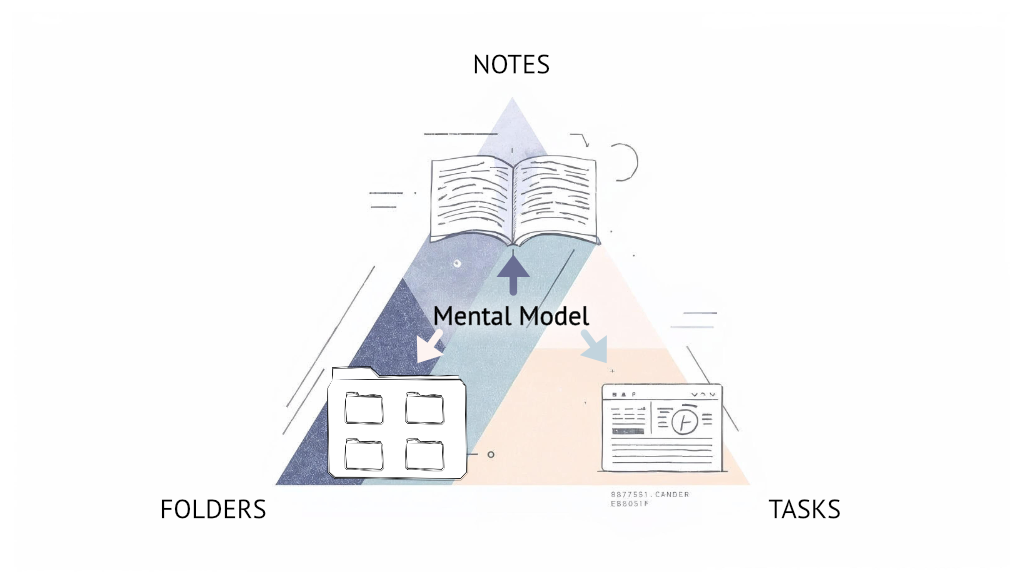
One Framework. One Mental Model. Any Tool.
Mental Model
Built around how thinking actually works
•
AFIM follows the natural flow of information:
capture → structure → create → act → control
One Structure
Everything follows the same logic
•
Notes, tasks, and files share one simple structure — so you stop organizing and start working.
Connection
Your tools start reflecting each other
•
Topics across tools are connected by the structure – so you don't need to use complex tags
Development
Extend your structure when needed
•
AFIM gives you a scaffold you can use, when your work becomes more complex
Get Startet!
no new App. A Modular System.
•
AFIM in 3 min
A quick orientation – best if you just want the idea.
A short, high-level introduction to the AFIM mental model. Understand what it is, what it’s not, and when it’s useful — without setup or commitment.
AFIM in 3 min
Quick Onboarding
Apply it to your own setup – best if you want to try it today.
A practical walkthrough to map AFIM onto your existing tools. No migration. No templates. Just structure you can adopt immediately.
Quick Onboarding
The full guide
The complete framework – best if you want full control.
A deep dive into domains, topics, workflows, and lenses. Learn how AFIM scales across projects, work, and personal systems.
Full Guideline
Get in Touch!
Individual support – best if you want in depth training.
Talk it through If you want feedback on your setup or help adapting AFIM to your context, this is the simplest way to start a conversation. No pitch. Just clarity.
Let's connect
Buy me a coffee
English
Deutsch